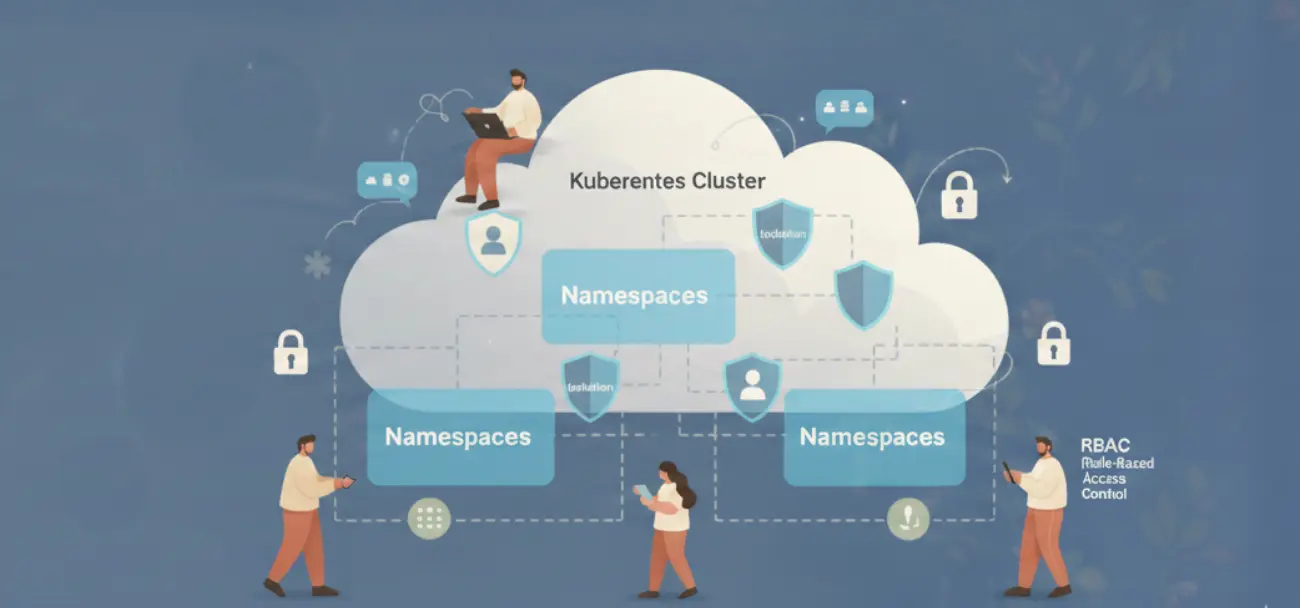

Most cloud governance platforms have a blind spot. They enforce access controls on your infrastructure: who can deploy, who can modify, who can delete. But they leave their own control plane wide open. Any engineer with admin access to the governed system can also change the governance rules. That is a circular trust problem, and it defeats the purpose of having governance in the first place.
RBAC for cloud governance tools is not the same problem as RBAC for cloud infrastructure. The stakes are different. Misconfigured infrastructure access can break a service. Misconfigured governance access can break every control you have over every service simultaneously.
Cloud Governance Has a Governance Problem
Consider the common setup: a platform team deploys a cloud governance tool. They give three engineers admin access. Those engineers can now see cloud costs, apply budget policies, configure environment rules, and also change who else has access to do all of those things. There is no separation between “can enforce governance” and “can change governance rules.”
The engineer governs the infrastructure, but also governs the governance. There is no independent check on the governance layer itself. This is the same trust gap that appears in Kubernetes RBAC when a service account with cluster-admin is used for both deployment and access control. SOC 2 Type II audits evaluate exactly this: whether access controls are designed with least privilege, and whether the access control system itself is protected. Organizations with a binary admin/non-admin model consistently fail this control.
The fix is applying the same graduated access model to your governance platform that you would apply to any critical system.
Why Three Tiers Cover Most Organizations
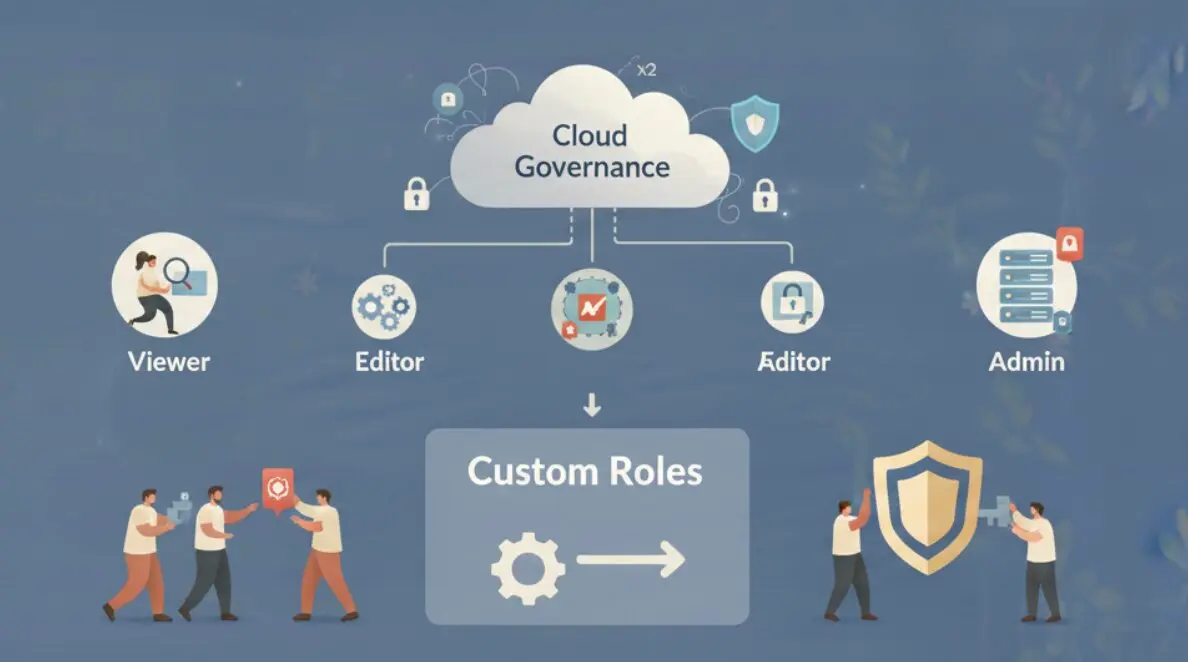
The Viewer, Editor, Admin model maps to the three natural operational responsibilities in any governance context.
A Viewer observes. They can see cost dashboards, review policy configurations, inspect environment states, and generate reports. They cannot change anything. This role suits finance stakeholders, compliance auditors, and on-call engineers who need visibility without write access.
An Editor operates. They can apply policies, modify environment configurations, trigger cost optimization actions, and manage the day-to-day operations of the governed infrastructure. They cannot change who has access to do these things. This boundary is critical: an editor cannot escalate their own privileges or grant editor access to someone else.
An Admin controls. They can do everything an editor can, plus manage roles and permissions, configure organizational settings, create and delete custom roles, and change the governance rules that govern others. Admin access should be held by the smallest possible group.

| Domain | Viewer | Editor | Admin |
|---|---|---|---|
| Cost dashboards and reports | Read | Read | Read |
| Budget policy configuration | Read | Write | Write |
| Environment rules and schedules | Read | Write | Write |
| Role assignment and user management | None | None | Write |
| Custom role creation and deletion | None | None | Write |
| Organisation settings | Read | Read | Write |
The Editor/Admin boundary is where most governance failures occur. Teams that give Editors the ability to assign roles, even “just for convenience”, create a path for privilege escalation. An Editor who can promote themselves to Admin, or promote a colleague, has effectively bypassed the access control model entirely.
Policy Count Is a Responsibility Proxy
The specific number of policies at each tier is not arbitrary. Policy count reflects the breadth of governance actions a role can take. A higher policy count means a wider operational scope, which means a larger blast radius if that access is misused or compromised.
zopnight’s three system roles implement this directly:
| Policy Category | Viewer (16) | Editor (32) | Admin (52) |
|---|---|---|---|
| Read: costs, dashboards, reports | 8 policies | 8 policies | 8 policies |
| Read: policy and environment config | 8 policies | 8 policies | 8 policies |
| Write: budget and cost policies | 0 | 8 policies | 8 policies |
| Write: environment rules and schedules | 0 | 8 policies | 8 policies |
| Control: role and user management | 0 | 0 | 12 policies |
| Control: org settings and custom roles | 0 | 0 | 8 policies |
The 20-policy gap between Editor and Admin is where organizational control lives. Those 20 policies are the ones that let someone change the rules everyone else operates under. They belong in the smallest possible group, assigned explicitly, and audited regularly.
When Flat Roles Break: The Case for Custom Roles
Three system roles cover most organizations. Four specific scenarios require custom roles.
Separation of duty for compliance officers. A compliance officer needs to read all policy configurations across all environments to produce audit evidence. But they should not be able to modify policies. That creates a conflict of interest. Viewer is not enough (they need access to specific write-side data to verify it exists). Editor is too much. A custom role with read access to policy definitions and write access only to audit report generation solves this exactly.
Contractor and external auditor access. A third-party auditor needs time-limited read access to specific environments, not the entire organization. Viewer grants organization-wide read access. A custom role scoped to specific environments with an expiry is the correct model.
Multi-team governance with scoped write. A team that owns their environment’s cost policies should be able to modify those policies but not touch another team’s environment rules. Editor is organization-wide. A custom role scoped to a single environment gives that team the right write access without cross-team exposure.
Break-glass admin. An emergency access account that has full Admin permissions but is locked, logged, and requires explicit approval to activate. This is a custom role identical to Admin in policy count but with usage conditions enforced outside the role definition.
| Persona | System Role Gap | Custom Role Solution |
|---|---|---|
| Compliance officer | Viewer lacks write-side read; Editor allows modifications | Read-all plus write to audit reports only |
| External auditor | Viewer is org-wide; needs scope restriction | Read-only scoped to specific environments |
| Team-scoped editor | Editor is org-wide write | Write scoped to single environment |
| Break-glass admin | Admin has no usage conditions | Admin policies with external approval gate |
The trap to avoid is speculative custom role creation. The same discipline applies here as in cloud tagging governance: designing for hypothetical future needs creates overhead that outlasts the need. Teams that design custom roles for hypothetical future personas end up with 30 or more roles where no one can remember what each one grants. Start with system roles. Add custom roles only when a real user hits a specific limitation. Audit and consolidate every 90 days.
How zopnight Implements RBAC
zopnight rebuilt its RBAC system from the ground up with three system roles that reflect graduated operational responsibility.
Viewer (16 policies) provides read access across all governance domains: cost data, environment configurations, policy definitions, and organization settings. Viewers can observe and report but cannot change anything.
Editor (32 policies) extends Viewer with write access to the operational domains: applying budget policies, configuring environment schedules, triggering cost optimization actions. Editors cannot assign roles or modify organization settings. The 32-policy scope is precisely the set of actions needed to operate a governed environment day-to-day.
Admin (52 policies) extends Editor with full control: role assignment, custom role management, organization configuration, and access to all governance controls. This is the role held by platform owners and team leads responsible for the governance structure itself.

Custom roles can be created, edited, and deleted directly from Organisation settings. Each custom role is built from the same policy set as the system roles. You select which of the 52 Admin-level policies to include, and the role grants exactly those policies and nothing else. There are no implicit permissions, no inheritance surprises.
The key design principle: governance applied to the governance platform itself. The same access control logic that zopnight enforces on your cloud infrastructure applies to who can change that logic. An Editor cannot promote themselves to Admin. A Viewer cannot see role assignments. The governance layer has its own governance, and it is enforced consistently.
Every team member’s role is assignable from the Organisation settings page, directly, without a support ticket or a CLI command. Role changes take effect immediately.
The 90-Day Role Audit: Preventing Permission Drift
Roles drift. Engineers change teams. Contractors finish engagements. Temporary Admin access for a migration gets forgotten. The 90-day audit cadence from AWS IAM best practices applies equally to governance platform roles.
| What to Check | Signal That Needs Action | Remediation |
|---|---|---|
| Users with Admin who haven’t made role changes in 90 days | Admin scope is unnecessary | Downgrade to Editor |
| Custom roles with identical policy sets to a system role | Role proliferation without benefit | Delete custom, reassign to system role |
| Users assigned roles but never logged in | Stale accounts | Remove assignment, suspend account |
| Custom roles with zero active assignees | Orphaned role definition | Delete or archive |
| Editors who have never triggered a write action | Viewer scope is sufficient | Downgrade to Viewer |
The last check is the most frequently skipped. Teams default to Editor because it feels safer than Viewer: “they might need to make a change someday.” In practice, 30-40% of Editor-assigned users in a mature governance environment have never used their write access. Downgrading them to Viewer does not affect their daily work and reduces your attack surface if their credentials are compromised.
RBAC that is never revisited is not RBAC. It is a snapshot of access decisions made at onboarding, increasingly disconnected from what people actually need. The 90-day review closes that gap before it becomes a SOC 2 compliance finding or a security incident.