
If your cloud bill keeps growing but your team’s delivery velocity doesn’t, you might be burning money without even realizing it.
Cloud cost waste isn’t always about massive spikes or visible misuse. Often, it’s quiet, recurring, and hidden behind dozens of services, unused resources, and poorly aligned environments. And while most teams measure cloud spend — that’s not enough.
To truly understand where waste hides, you need the right metrics. Not just spend per team, but utilization per dollar, resource lifecycle gaps, and infra-to-impact ratios.
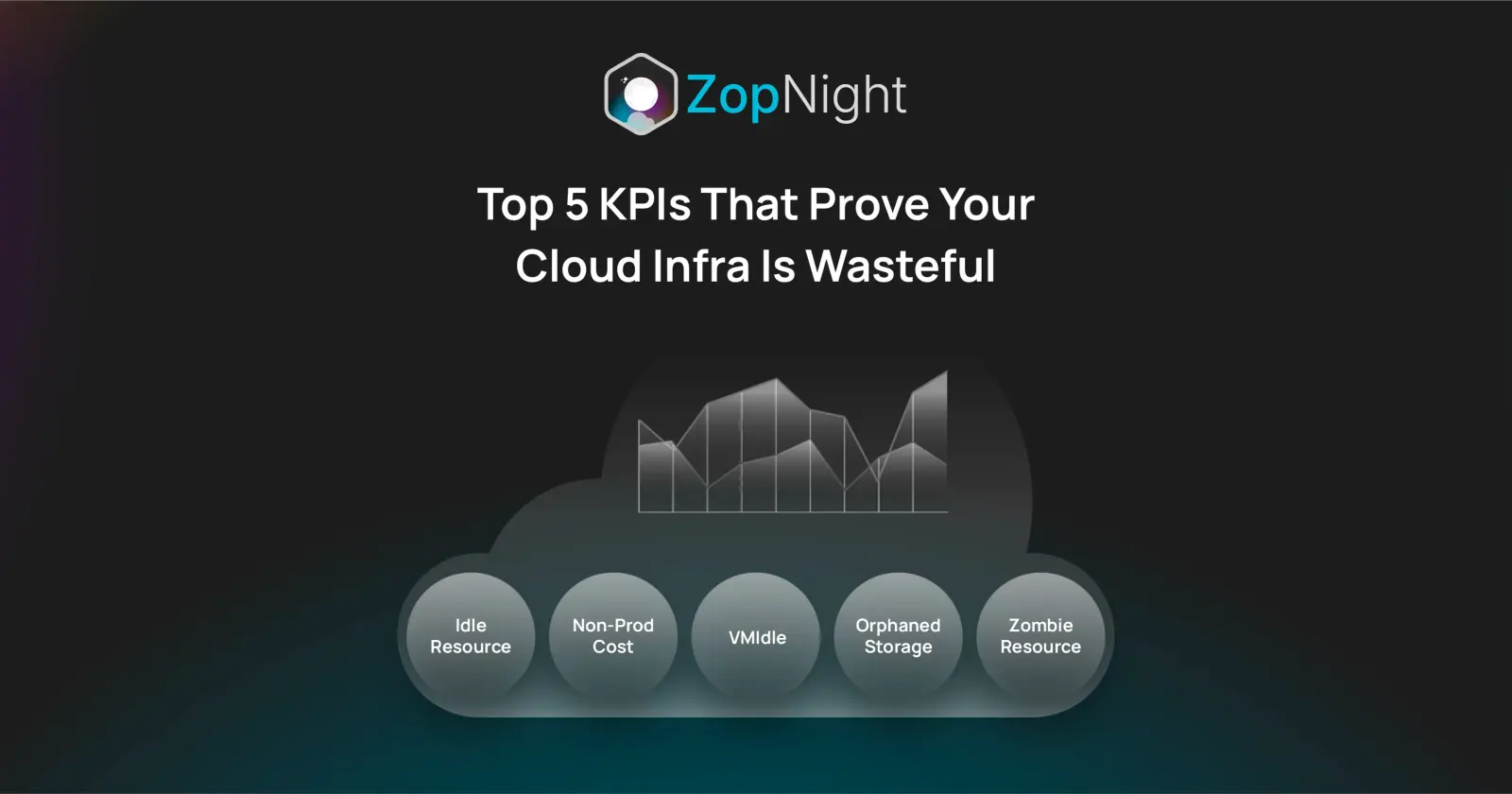
In this article, we’ll walk you through the Top 5 KPIs that prove your cloud infra is wasteful — and how to track (and fix) them using smarter scheduling and infra automation.
Why Traditional Cloud Dashboards Fall Short
Tools like AWS Cost Explorer or GCP Billing show you what you’re spending.
But they don’t show:
- Why you’re spending
- When spend isn’t delivering value
- What to shut down or fix
A $20,000 monthly spend might be fine — if you’re running full-scale prod workloads 24x7.
But if half of that is dev/test infra that’s idle on weekends and after hours?
You’re wasting money. Quietly. Repeatedly.
That’s why leading DevOps and FinOps teams go deeper — with efficiency-focused KPIs that reveal waste, not just cost.
1. Uptime vs. Utilization Ratio
Definition: Measures how long a resource is “on” versus how often it’s actually used.
- EC2 instance runs 24x7 = 720 hours/month
- If it receives traffic or workload only 160 hours/month (business hours) →
Utilization = 22%
Anything under 50% for non-prod resources is a red flag.
This applies to:
- Compute (EC2, GCE, AKS/EKS nodes)
- Databases (RDS, Cloud SQL)
- Kubernetes clusters
- Caching layers (Redis, Memcached)
Why it matters:
Resources running 24/7 in dev/test/staging environments are rarely utilized fully.
This KPI helps you ask: Why are we paying for 720 hours when we only use 160?
According to Flexera’s 2024 Cloud Report, over 40% of non-prod resources have utilization under 30% outside working hours.
How to fix:
- Use toggle-based scheduling tools like ZopNight to run these only during work hours (e.g., 9 AM–7 PM)
- Automate daily shutdowns for underused environments
2. % of Cloud Spend on Non-Production
Definition: Portion of your monthly bill tied to environments that aren’t directly serving users.
What to include:
- Dev/QA/UAT environments
- Internal tooling
- Staging environments
- Demo infra
In many mid-stage companies, non-prod infra accounts for 60–70% of total spend — especially when production is containerized but dev environments use EC2 or GKE clusters.
Why it matters:
Non-prod is critical, but doesn’t need 24/7 uptime.
Unlike production, it can be toggled, paused, rightsized, and better scheduled.
Tracking this KPI highlights your biggest opportunity for cost optimization — without touching live user-facing services.
How to fix:
- Identify all non-prod workloads (via tags, naming conventions, or cloud account separation)
- Group and schedule them using platforms like ZopNight
- Apply budget guardrails to prevent overprovisioning
3. Cost per Environment per Sprint
Definition: Measures how much an individual environment (e.g., QA, UAT, dev sandbox) costs over a sprint or release cycle.
Example:
- You run 4 QA environments
- Each sprint is 2 weeks
- QA starts in week 2, but the infra is running for 14 days straight
You’re paying for the full sprint duration, but using only a fraction of it.
One e-commerce client of ZopNight discovered they spent $8,500/month on QA clusters that were only used 2 days per sprint — the rest of the time they were idle.
Why it matters:
When dev/test environments don’t align with engineering cycles, you’re paying for resources that no one is using.
How to fix:
- Map environment usage to sprint timelines
- Automate spin-up/down based on stage of delivery
- Let QA/devs toggle their infra on-demand via group toggles
4. Weekend Cloud Spend Spike
Definition: Compares weekend spend to weekday spend, specifically for non-prod.
This is a classic waste indicator.
- On weekdays (Mon–Fri), non-prod spend = $1,200/day
- On weekends (Sat/Sun), it should drop significantly (ideally 70–90%)
- If you’re still spending $1,100/day on weekends, something’s wrong
In one audit, a SaaS team had $13,000/month in weekend waste across dev/test environments — all due to lack of scheduling.
Why it matters:
Weekends are the easiest win in cloud cost optimization.
If infra isn’t being used — shut it off.
How to fix:
- Implement scheduled shutdowns every Friday 8 PM → auto-on Monday 8 AM
- Create fallback triggers in case someone needs to override
- ZopNight supports timezone-aware weekend schedules per team
5. Zombie Resource Count
Definition: The number of cloud resources that are:
- Not attached to running services
- Not actively used, but still billed
- Forgotten or left behind after a release/migration
Common zombie infra includes:
- Unattached EBS volumes
- Static IPs not mapped to instances
- Old staging databases
- Deprecated load balancers
- Expired TLS certificates on still-billed endpoints
VMware’s CloudHealth platform estimates that 15–20% of most cloud bills come from orphaned resources.
Why it matters:
These don’t just waste money — they increase security surface area and cloud complexity.
How to fix:
- Run regular resource discovery
- Use lifecycle policies or TTLs for temporary environments
- ZopNight automatically detects unscheduled and idle resources
Bonus KPI: Cost per Developer
Track how much cloud infra is spent per engineer per sprint.
If one team’s usage is significantly higher than others — without faster output — you may be over-scaling their environment.
Summary Table
| KPI | What It Tells You | Fix With ZopNight |
|---|---|---|
| Uptime vs. Utilization Ratio | Are we running more than we use? | Scheduled toggles |
| % of Spend on Non-Prod | Are we overinvesting in idle environments? | Group-based sleep/wake |
| Cost per Environment per Sprint | Does infra match engineering velocity? | Sprint-aligned toggles |
| Weekend Spend Spike | Are we leaving dev/test on 24x7? | Timezone-aware weekend schedules |
| Zombie Resource Count | Do we have forgotten, unused infra? | Auto-discovery & TTL-based pruning |
Final Takeaway
You don’t need 50 metrics to know your cloud infra is wasteful.
You need the right 5 — ones that surface unused time, orphaned infra, and environments misaligned with your team’s delivery cycle.
At ZopNight, we’ve built our platform around exactly these KPIs.
Because toggling non-prod infra shouldn’t be complex — it should be default.
Start tracking these metrics.
Turn off what you don’t use.
And watch your cloud bill shrink.
References
- Flexera 2024 State of the Cloud Report
- CloudHealth by VMware: Managing Zombie Resources
- FinOps Foundation: KPIs and Cost Allocation Practices
- CloudZero: 6 Cloud Efficiency Metrics to Track
- Harness.io Blog: Non-Prod Infrastructure Management
- AWS Well-Architected Labs: Cost Optimization
- ZopDev Blog: Stop Paying for Cloud Resources You’re Not Using