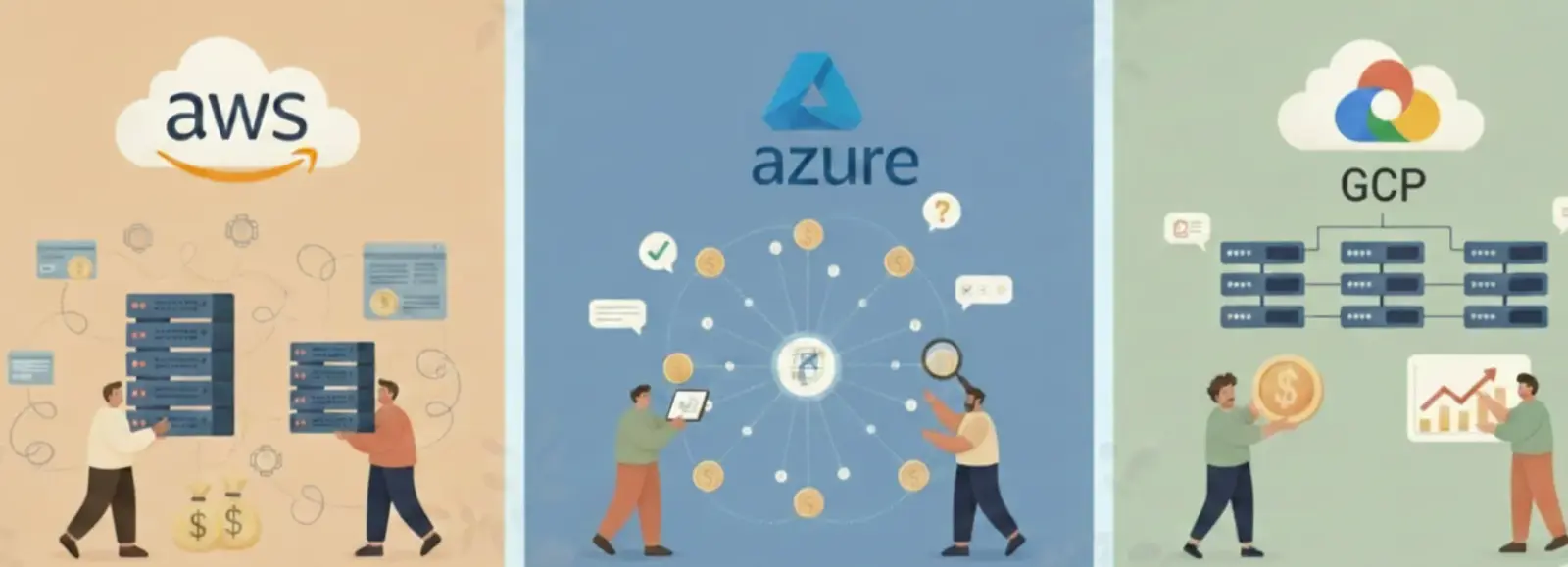
Your staging cluster ran all weekend. Nobody pushed a commit. Nobody ran a test. Nobody opened the dashboard. The cluster just billed $3.80 per hour for three idle nodes.
That’s around $180 for two days of nothing. Multiply by 52 weekends, add nights, add your QA cluster, your dev cluster, and your per-team sandboxes. You’re now looking at a substantial portion of your cloud bill paying for compute that serves no one.
This is the non-prod scheduling problem. The fix is well understood. Most teams still haven’t shipped it.
The 24/7 Assumption
Non-production environments get provisioned like production: always-on, fully replicated, treated as critical infrastructure. The reasoning makes sense at first. Downtime is annoying, developers need reliable environments, and ops teams don’t want to manage startup/shutdown cycles.
But production environments serve real users. Non-production environments serve developers during working hours.
Developers work roughly 50 hours per week across five weekdays. Of 168 hours in a week, that’s 30% utilization in the best case. In practice, developers aren’t using staging continuously during the workday. They push code, wait for CI to run, check results, and move on. Active utilization is closer to 20-25% of calendar hours.
The remaining 75-80% of computing time is paid for but unused.
A 10-node EKS staging cluster using m5.xlarge instances costs about $1,650 per month running 24/7. Apply a standard off-hours schedule: down at 8 pm, up at 8 am, weekends off. That drops to around $594 per month. Same cluster, same capability during working hours, 64% lower bill.
| Cluster size | 24/7 monthly cost | Scheduled monthly cost | Monthly savings |
|---|---|---|---|
| 3 nodes (m5.xlarge) | $495 | $178 | $317 |
| 10 nodes (m5.xlarge) | $1,650 | $594 | $1,056 |
| 20 nodes (m5.xlarge) | $3,300 | $1,188 | $2,112 |
At 10 environments for a 200-person engineering org, that’s $12,672 saved per month, or about $152,000 per year. The math is not subtle.
Why Teams Don’t Fix This
The savings are obvious. The implementation is not straightforward.
Kubernetes has no native suspend mechanism. You cannot pause a cluster the way you pause a virtual machine. To stop paying for compute, you need to scale Deployments and StatefulSets to zero replicas, then separately scale down the underlying node group. Two operations, different APIs, different failure modes.
Manual processes fail within weeks. A team policy that says “shut down staging before you leave” works until someone forgets. Someone forgets the first week. Then it happens again. After two incidents where the environment was accidentally left running, the policy gets quietly abandoned.
The harder problem is organizational. Multiple teams share non-prod environments. Different teams have different work hours. Someone is always using staging, or planning to use it, or waiting on a job that runs overnight. Nobody wants to be the person who turned off the environment mid-test.

Figure: Multiple teams share non-prod clusters that bill 168 hrs/week while sitting 75% idle
Environmental sprawl makes it worse. Each team provisions its own environments, and nobody decommissions old ones. A cluster created for a project that shipped six months ago keeps running because deleting it feels risky.
The result: scheduling gets deprioritized. The environment keeps running. The bill keeps growing.
How Automated Scheduling Works
The mechanism is a two-step operation at shutdown and at startup.
At shutdown time (8 pm on weekdays, Friday evening for weekends):
First, record the current replica count for every Deployment and StatefulSet in the target namespaces. This is the restore state. Then scale everything to zero. Pods terminate. The nodes go idle.
For deeper savings, scale down the node group itself to zero instances. At zero nodes, you pay only for the EBS volumes attached to PersistentVolumeClaims. That is typically $0.10/GB/month. An environment that cost $165 overnight now costs about $2.
At startup time (8 am on weekdays, Monday morning):
Scale the node group back up. Wait for nodes to register with the cluster. Restore replica counts from the saved state. Pods start, pull images, and pass readiness probes. The environment is ready within 10-15 minutes.

Figure: Two-step shutdown and startup flow for automated non-prod environment scheduling
The critical detail is storing the replica state before scaling down. A naive implementation that scales to zero and restores to 1 replica breaks workloads that run at 3 or 5 replicas in staging. The restore must be exact, preserving the state that was running before suspension.
What Actually Breaks
Automated scheduling disrupts three types of workloads. Each has a specific fix.
Nightly CI/CD pipelines. If your integration tests run at 2 am against staging, they fail when staging is scaled down. The fix is not to keep staging on. The fix is to shift the test run to 7 am, close enough to normal hours that results are reviewed the same morning. Alternatively, create a dedicated, always-on test namespace and exclude it from the scheduling policy.
CronJobs inside the cluster. A Kubernetes CronJob scheduled for midnight will be skipped when the cluster is at zero pods. Missed CronJobs do not catch up by default. For non-critical jobs (cache warming, report generation), this is acceptable. For jobs with hard daily dependencies, move them to a cloud-native scheduler (AWS EventBridge, GCP Cloud Scheduler) that runs outside the cluster and triggers after environment startup.
Stateful workloads that do not recover cleanly. Most staging databases handle scale-to-zero without issues. They shut down, PVC data persists on disk, and they restart and reconnect on startup. But some workloads have startup ordering dependencies: a service that needs the database to pass its health check before it initializes, or a message queue that needs to replay messages before consumers start. For these, add init containers or startup probes that enforce the correct ordering rather than keeping the entire environment always-on.
| Failure mode | Root cause | Fix |
|---|---|---|
| Nightly CI/CD failures | Tests run while cluster is suspended | Shift test runs to 7 am or use an excluded namespace |
| Missed CronJobs | Pods absent during scheduled window | Move to cloud-native scheduler outside the cluster |
| Stateful startup failures | Dependency ordering not enforced | Add init containers or health check gates |
The teams that succeed with scheduling audit their non-prod workloads before rolling out. They run one environment on a schedule for two weeks, capture every failure, fix the dependencies, then expand to all environments.
What Good Scheduling Actually Looks Like
A schedule that only turns environments on and off on a fixed timer creates a new problem: developer friction. A developer working late hits a suspended environment and loses an hour. A hotfix on Saturday morning cannot be tested because staging is offline.
The right implementation handles three things beyond the basic schedule.
Wake-on-demand. When a developer needs the environment outside scheduled hours, they should be able to wake it with a single action: a Slack command, a button in the developer portal, or a push to a specific branch. This reduces friction to near zero. ZopNight implements this as an automatic wake trigger: when code is pushed, the associated environment wakes before the pipeline reaches its deployment step. The developer never experiences a suspended environment.
State observability. Developers need to know whether the environment is awake or asleep before they try to use it. A status page showing environment state, last wake time, and expected startup completion time cuts support requests dramatically. Without this, developers assume the environment is broken and file tickets instead of waiting 10 minutes.
Exclusion policies. Some environments should never sleep. A staging environment that mirrors production for load testing, a shared QA environment with uptime commitments to an external team, or a customer demo environment all warrant exclusions. The scheduling system needs to support them explicitly, with an audit trail for why each exclusion exists.

Figure: Wake-on-demand triggers automatic environment startup on code push before the pipeline continues
Wake-on-demand is what separates a scheduling system developers tolerate from one they try to disable. When the environment appears always available from the developer’s perspective, adoption becomes a non-issue.
The Numbers After You Ship It
ZopNight data across production deployments shows a 62% average reduction in non-prod cloud spend after implementing automated scheduling. Developer adoption reaches 90%+ when wake-on-demand is included, because developers rarely notice the environment is sleeping.
The implementation timeline is typically two weeks: one week to audit environments and fix scheduling-incompatible workloads, one week to roll out and monitor.
For a 200-person engineering org spending $20,000 per month on non-production compute, the annual savings run to around $148,000. The engineering effort to implement is rough.