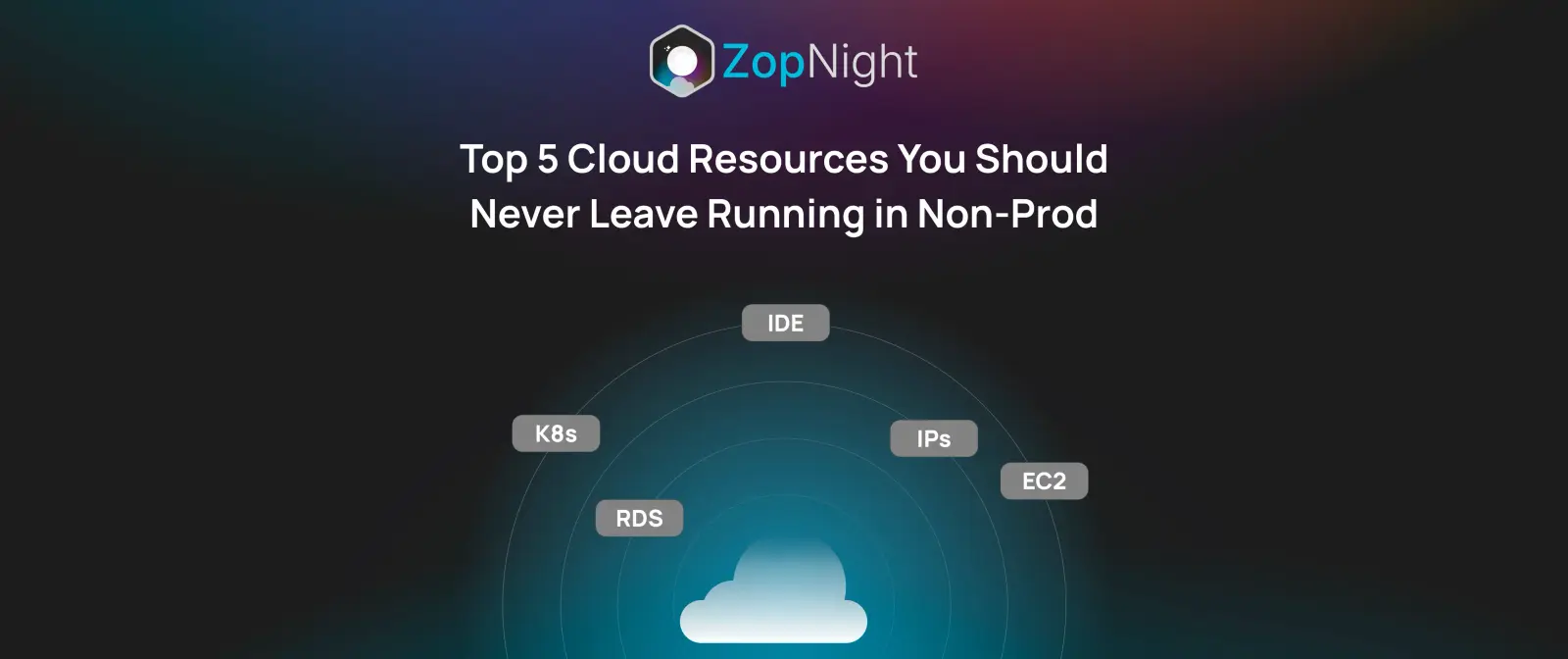
Avoid These 5 Costly Mistakes in Your Non-Prod Cloud Setup
If you’re managing cloud infrastructure, chances are you’ve been haunted by zombie resources — the forgotten dev server, the abandoned QA cluster, the internal demo left running overnight. These idle non-production environments silently rack up costs, month after month, with no real business value.
It’s one of the most common — and costly — cloud waste patterns we see in engineering teams of all sizes. At ZopNight, we’ve helped dozens of organizations identify and schedule away these silent budget-killers. In this post, we’ll walk you through the top 5 cloud resources you should never leave running in non-prod — and how to automate their shutdown safely.
Why Non-Prod Is a Silent Cloud Killer
Most DevOps teams optimize production environments heavily — autoscaling, rightsizing, performance monitoring, chaos engineering. But when it comes to dev, QA, staging, or sandbox infra?
It’s often “set it and forget it.”
These environments are meant to be temporary — used during business hours or for short bursts — but they’re left running 24/7. Multiply this by multiple teams, services, and cloud accounts, and your non-prod footprint becomes a budget black hole.
In fact, industry studies suggest:
- 60–70% of cloud costs come from non-prod in early and mid-stage companies
- Over 40% of non-prod resources are idle outside working hours (source: Flexera, 2024)
Let’s break down the five worst offenders — and what you can do about them.
1. EC2 Instances (Especially Spot or On-Demand) in Dev/Test
EC2 is often the starting point for most backend developers and QA testers. It’s used to spin up dev environments, sandbox microservices, run integration tests, or quickly host an internal tool.
But here’s the problem: most EC2 instances in dev/test environments are on-demand or spot — and they stay on long after the developer logs off.
If you’re not:
- Enforcing tags like
env=devorauto_off=true - Running periodic audits
- Scheduling sleep/wake cycles
…then these instances become invisible line items on your cloud bill.
What you should do:
- Use ZopNight to auto-discover EC2 instances by tag, account, or region
- Set sleep schedules (e.g., off at 7 PM, on at 9 AM) on weekdays
- Group by team or microservice to simplify toggles
Typical savings: Up to 60% per EC2 instance when scheduled only during working hours.
2. RDS and Cloud SQL Databases for QA/Pre-Prod
Databases are one of the most expensive resources in your cloud environment — especially if you’re running:
- RDS (MySQL/Postgres/SQL Server) in AWS
- Cloud SQL in GCP
- Azure SQL or CosmosDB
And yet, they’re frequently left running for:
- QA environments that are barely used
- User Acceptance Testing (UAT) windows that ended weeks ago
- Internal sandboxes for product managers or analytics teams
These DBs often have low read/write, but high uptime and high cost — the worst combo.
What you should do:
- Schedule dev/test DBs to sleep during off-hours
- For stateful DBs, use ZopNight’s smart toggle to safely stop/start them without corrupting data
- Optionally backup before shut-down if retention is needed
Pro tip: Combine database toggling with attached EC2/GKE resources for full environment control.
3. Staging Kubernetes Clusters (GKE, EKS, AKS)
Staging environments are essential — they simulate production and help catch bugs before real users do. But unlike prod, staging doesn’t need to run 24/7.
A full-scale GKE or EKS cluster:
- Uses compute nodes, load balancers, persistent volumes, network egress
- Can cost thousands per month if always on
Most staging clusters:
- Only need to run during QA sprints or release weeks
- Can be shut down safely during weekends or late nights
What you should do:
- Identify clusters with
env=stagingorteam=internallabels - Use ZopNight to shut down node pools, autoscaling groups, or entire clusters after hours
- Schedule daily wake-up for morning standup testing
Bonus: Combine this with toggling staging databases and queues to avoid partial infra running.
4. Internal Demo Environments for Sales/Product
We all know the “demo hell” situation:
- A sales team asks for a demo environment
- The infra team spins it up quickly
- It runs… forever
These demo environments often include:
- App servers, load balancers
- Frontends hosted on EC2/ECS or Firebase
- APIs, dummy data services, and CDN endpoints
But they’re only used occasionally, and mostly during business hours in a specific time zone.
Leaving them running 24/7 leads to unnecessary compute, bandwidth, and storage charges.
What you should do:
- Schedule toggle based on demo calendar or sales team’s timezone
- Auto-disable on weekends and after 6 PM
- Group environments by project to allow easy on/off switching
ZopNight lets you create role-based toggles — sales can toggle their own demo envs, without needing DevOps intervention.
5. Orphaned Volumes, Buckets, and Static IPs
While not “compute,” orphaned resources are some of the most ignored non-prod cost sinks.
Common culprits:
- EBS volumes from terminated EC2s
- GCP persistent disks not attached to instances
- S3 buckets with old logs or test data
- Static IPs not in use but still billed
- DNS records for retired environments
These don’t show up in your usual “cost by service” dashboards unless you’re looking carefully.
What you should do:
- Use ZopNight’s resource scanner to flag orphaned volumes and unused IPs
- Alert teams for review or automate deletion based on TTL
- Use tagging strategies to differentiate temporary vs permanent storage
Think of this as cloud garbage collection — clean it up before it bloats your invoice.
Bonus: Why Scripts and Native Schedulers Aren’t Enough
You might be thinking: “We already use cron jobs / Lambda functions / GCP schedulers.”
Here’s why that often fails:
- Scripts break silently — no alerting, no rollback
- No centralized view across cloud providers or accounts
- No role-based access — only infra teams can modify
- No smart toggling based on context (e.g. staging + team + region)
ZopNight was built to solve these exact limitations — with:
- Multi-cloud resource discovery
- Group toggles
- Role-based scheduling
- Alerting and budget guardrails
- Toggle safety mechanisms (e.g. skip prod-tagged resources)
The Impact of Scheduling Just These 5 Resources
Let’s assume:
- 10 EC2 dev instances
- 3 QA RDS databases
- 2 staging GKE clusters
- 4 demo environments
- 20 orphaned volumes/static IPs
If each runs 24/7, that’s ~$8,000/month.
Schedule them for just 12 hours/day, 5 days/week?
You could save up to $4,500/month — without touching production.
How ZopNight Makes This Easy
ZopNight provides:
- Auto-discovery: Scan all resources across AWS, GCP, and Azure
- Smart Scheduling: Toggle non-prod based on rules, timezones, and teams
- Team-Based Grouping: Devs can manage only their infra
- Safety: Never touches prod unless explicitly tagged
- Reports & Alerts: Track how much you’re saving, and what’s at risk
No more scripts. No more guesswork. Just simple infra hygiene — with cost savings built in.
TL;DR – What to Shut Down in Non-Prod
| Resource Type | Common Use | When to Shut Down | Scheduled via ZopNight? |
|---|---|---|---|
| EC2 / GCE / Azure VM | Dev/Test servers | After working hours | ✅ Yes |
| RDS / Cloud SQL | QA / UAT databases | Nights & weekends | ✅ Yes |
| GKE / EKS / AKS | Staging environments | Non-release periods | ✅ Yes |
| Demo Environments | Sales / Product demos | Outside demo windows | ✅ Yes |
| Orphaned Volumes/IPs | Old infra remnants | After TTL or alerting | ✅ Yes |
Final Thoughts
If you’re looking to cut cloud costs without reducing developer velocity, start with what’s easiest: turn off what’s not in use.
These five non-prod resource types are low-risk, high-savings opportunities — and automating their sleep/wake cycles is one of the fastest ways to reclaim wasted spend.
ZopNight helps teams toggle smarter, spend less, and sleep better — literally.
References
- Flexera 2024 State of the Cloud Report
- AWS Compute Blog
- AWS Instance Scheduler
- Google Cloud Blog
- Azure Automation
- FinOps Foundation Guide
- Hidden Costs of Automation (Medium)
- Why Cron Jobs Fail
- Harness Blog
- ParkMyCloud RDS Case Study
- ZopDev Blog
- CloudZero Blog
- CAST AI on Kubernetes Scheduling
- CloudHealth by VMware
- Google Resource Labeling
- AWS Tagging Strategies
- Azure Budget Alerts
- Gartner Report (Subscription)
- Cloudability Guide
- ZopNight Documentation