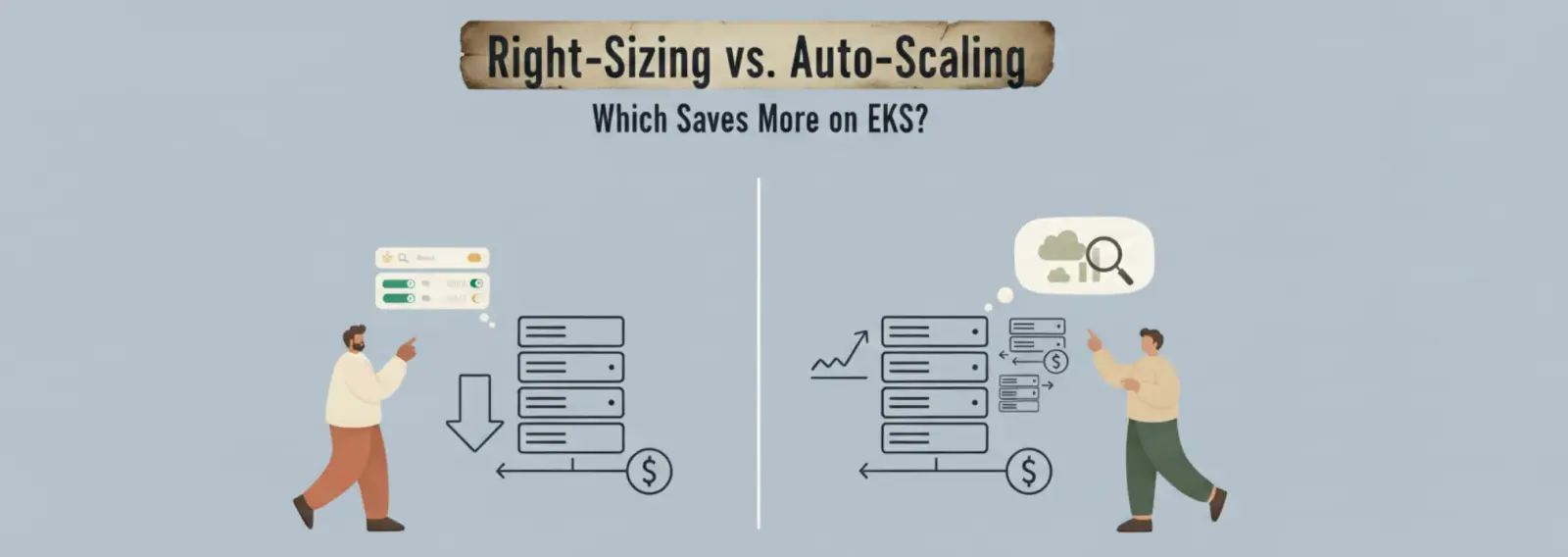
Most EKS cost conversations end up in the same place: someone enables Cluster Autoscaler, watches the node count drop slightly, and calls it done. Then the bill barely moves. The reason is that Cluster Autoscaler and right-sizing solve different problems, and applying one without the other leaves most of the savings on the table.
This piece breaks down what each approach actually does, where each wins, and in what order to apply them.
The Billing Model That Makes Right-Sizing So Powerful
EKS bills for EC2 node capacity, not for what your pods consume. A node is running, so you pay for it, regardless of whether pods use 10% or 90% of its resources.
The waste happens at the request level. Kubernetes uses resource requests, not actual usage, to schedule pods onto nodes. When a pod requests 2 vCPU and uses 0.3 vCPU in practice, that 1.7 vCPU is reserved and unavailable for any other workload. The node fills up on paper while sitting mostly idle in practice.
At $0.384/hr for an m5.2xlarge in us-east-1, that cluster pays for 8 vCPU per node but gets meaningful work out of fewer than 3. Cluster Autoscaler cannot fix this. It sees the node as utilized because requests are high. It will not remove the node even though actual usage is low.
Right-sizing corrects the requests. Once requests reflect real usage, nodes can fit more pods, fewer nodes are needed, and Cluster Autoscaler can actually remove underutilized nodes.

Figure: VM capacity vs utilization illustration
What Right-Sizing Actually Changes
Right-sizing has two layers on EKS: pod-level requests and node-level instance sizing.
At the pod level, the goal is to set CPU and memory requests close to the 90th-percentile actual usage, not at a round number someone picked during deployment. The Vertical Pod Autoscaler (VPA) in Recommendation mode observes pod metrics over time and produces a suggested request value. It does not apply the change automatically—you review and apply it.
Example Impact
| Metric | Before Right-Sizing | After Right-Sizing |
|---|---|---|
| CPU request per pod | 1000m | 250m |
| Memory request per pod | 2 GB | 512 MB |
| Pods per node | 4 | 14 |
| Nodes needed (10 replicas) | 3 | 1 |
| Hourly cost | $1.15 | $0.384 |
| Monthly cost (730 hrs) | $840 | $280 |
The workload didn’t change—only the declared resource needs did. That correction removed two nodes permanently.
At the node level, right-sizing means choosing instance types that match workload characteristics. Memory-light, CPU-heavy workloads shouldn’t run on memory-optimized instances. AWS Compute Optimizer helps recommend better instance types based on metrics.
Key takeaway: Right-sizing is a one-time correction with permanent baseline savings.
How Auto-Scaling Addresses a Different Problem
Auto-scaling does not reduce per-pod waste. It adjusts capacity based on demand.
- HPA (Horizontal Pod Autoscaler): scales pods based on CPU or custom metrics
- Cluster Autoscaler: adds/removes nodes based on pod scheduling needs
- KEDA: enables event-driven scaling (queues, schedules, external signals)
Auto-scaling is most valuable when demand is variable.
A service with 5× traffic swings benefits heavily. A steady workload does not.

Figure: Right-sizing improves bin-packing and reduces node count
Critical Failure Mode
If pods are overprovisioned:
- Every new replica inherits inflated requests
- Scaling multiplies waste
Scaling from 5 → 15 pods can triple cost without increasing useful work.
** Where Each Approach Wins**
| Dimension | Right-Sizing | Auto-Scaling |
|---|---|---|
| Traffic pattern | Steady | Variable |
| Savings type | Permanent baseline reduction | Off-peak reduction |
| Effort | One-time | Continuous tuning |
| Time to value | 1–2 weeks | Immediate (but tuning needed) |
| Failure mode | OOMKills | Scaling lag |
| Best tools | VPA + Compute Optimizer | HPA + CA + KEDA |
Special Case: EKS Fargate
Fargate charges per vCPU-second and GB-second of requested resources.
- Right-sizing directly reduces cost
- No nodes → Cluster Autoscaler irrelevant
- HPA/KEDA still apply
The Right Order: Right-Size First, Then Auto-Scale

Figure: Right-sizing first, then auto-scaling sequence
Step 1: Measure (VPA Recommendation)
Run VPA for at least 7 days across real traffic patterns.
Step 2: Apply Right-Sized Requests
- Use VPA recommendations
- Add 15–20% headroom
- Roll out gradually
- Watch for OOMKilled events
Step 3: Tune HPA
After reducing requests:
- Scaling thresholds change
- Recalibrate CPU targets
Step 4: Validate Cluster Autoscaler
- Ensure nodes consolidate
- Adjust:
--scale-down-utilization-threshold--balance-similar-node-groups
Real-World Outcome
Typical result on a 3-node cluster:
- Reduced to 1–2 nodes
- Cost drops from $1.15/hr → $0.38–$0.57/hr
- Savings: 50–67%
Auto-scaling alone would only save during off-peak periods.
Final Takeaway
- Right-sizing = structural cost fix (baseline reduction)
- Auto-scaling = dynamic efficiency (demand-based savings)
Neither alone is enough.
Run both. Run right-sizing first.